

Updated September 2026: seven images refreshed, one note added on planning for phones first.
Would you start with the wall paper if you were going to build a house? The answer of course is no which highlights our point that planning a site is just like laying the foundations of a house. So here are 10 ways to engage in successful website planning.
1. Website Planning – Define your sites purpose
 Photo: Thought Catalog / Unsplash
From this comes everything else even down to the colour scheme of the final design. It’s the starting point of any site. Think about:
Describe your site in one sentence, make it simple and snappy.
Who are your audience and why should they come to you
What are you providing that others don’t
Where do you get your site content and how will you show it
Find a name of your site which lead onto your domain name
2. Website Planning – Brainstorm
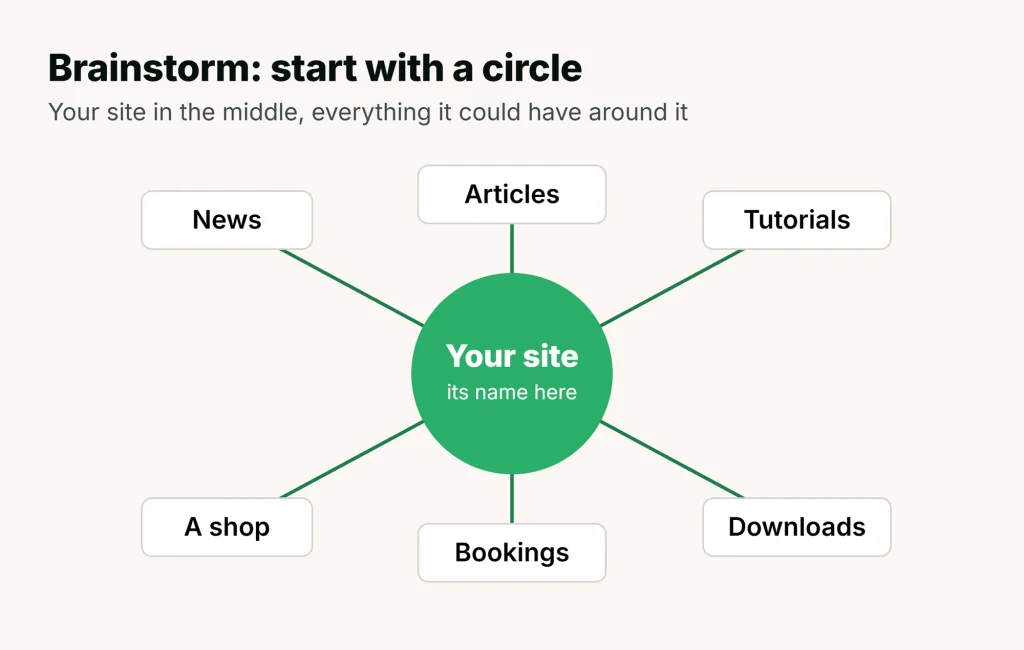 Now that you have your site’s purpose, it’s time to get your brain in gear and start bringing your ideas together. Remember that you’re still at the pen paper and grey matter stage. Keep things flowing at this stage, don’t get bogged down with detail just yet.
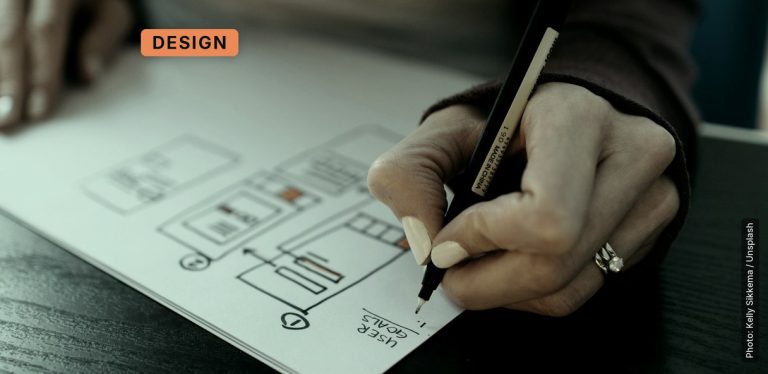
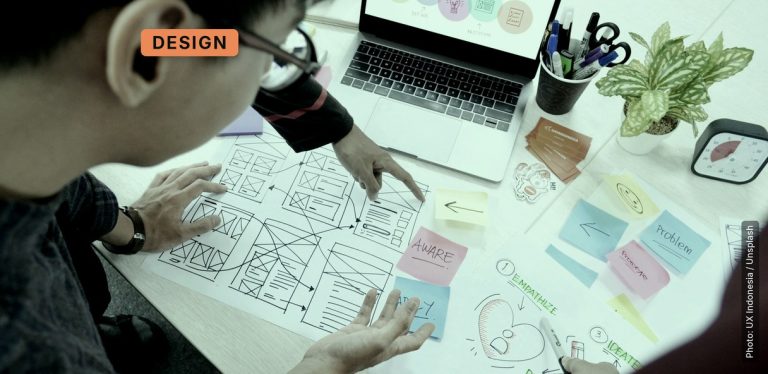
Draw a circle and put the name of your site then start putting down ideas of what your site will have e.g. forum, news, articles, tutorials, latest products, downloads of recent songs…it can be anything as long it helps the site achieve its purpose.
3. Website Planning – Who are your audience?
 Photo: John Lockwood / Unsplash
4. Website Planning – Get their attention
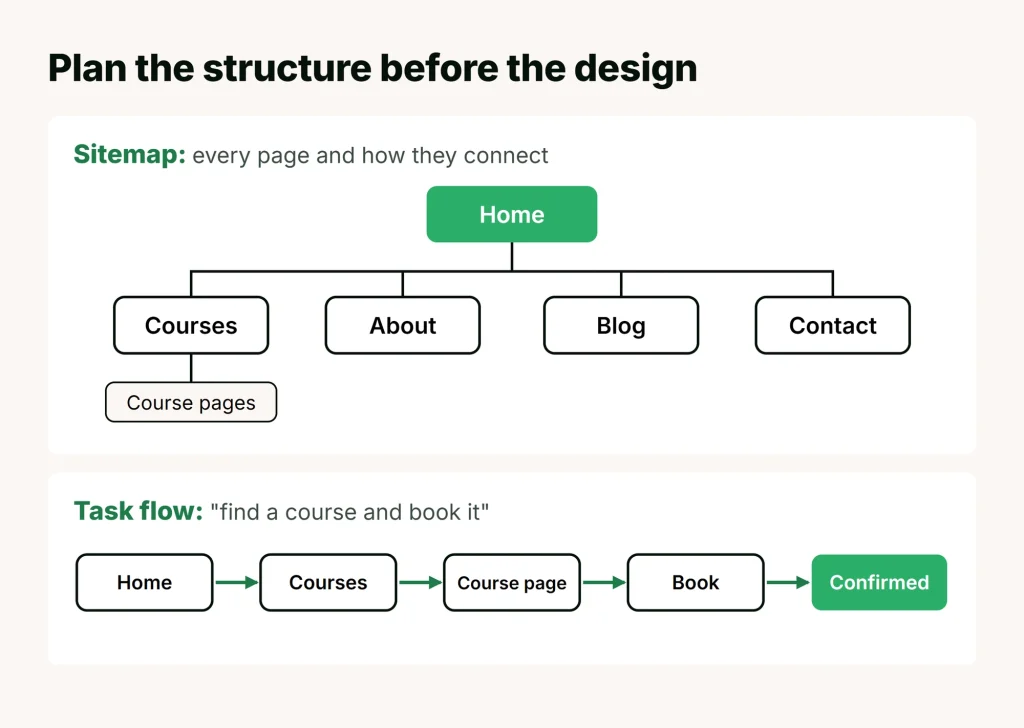 People will often only spend seconds looking at a web site for a single fact, price or idea. What is the key goal of your site? And how can this be achieved at a glance? It is good to establish short visit goals and long visit goals.
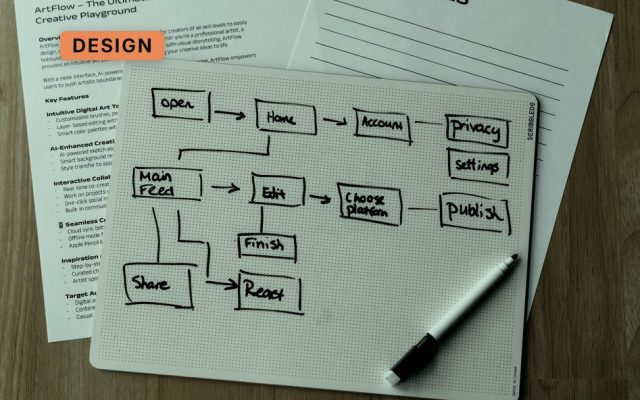
Short visit goals: what are the key things you want visitor to notice when they scan the page, is there a name or logo which would immediately communicate the main goals for your site? How can you present this? Long visit goals: make it easy to navigate, what are the first key decisions a visitor will have to make? Will they have to make more after that? Sketch out a few rough flow charts for a long visit to the site; it may start to look very complicated very quickly. Think of ways to simplify these choices.
5. Website Planning – Success
 Photo: Luke Chesser / Unsplash
This will save you from getting bogged down thinking I need to do the next thing, and the next thing etc. Give yourself a realistic target and a time frame, even if it is just I want my site up and running in 2months. Don’t forget to congratulate yourself if you reach it, then you can take stock and establish a new target.
6. Website Planning – Newsflash
 Photo: 2H Media / Unsplash
Each person is a mine of information. You can create your own new content or think of ways users can add new content themselves. Try to think of an organic way the information can fit in with your current content, people always like to feel they are part of a site they visit regularly.
7. Website Planning – Phone a friend
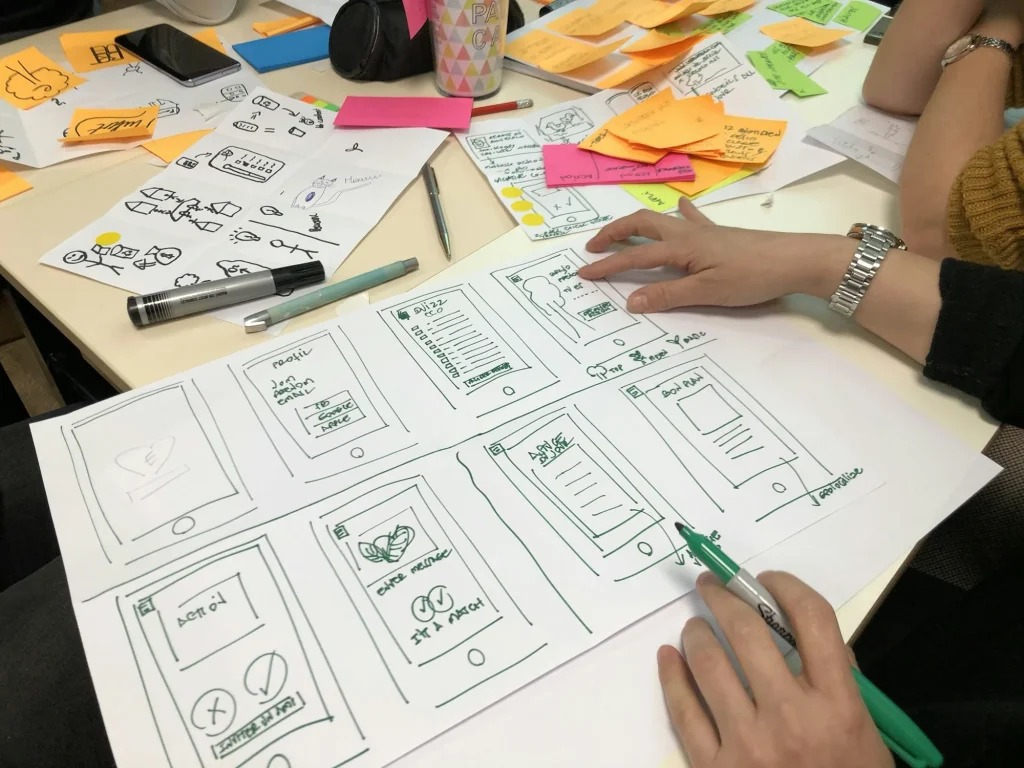 Photo: Amélie Mourichon / Unsplash
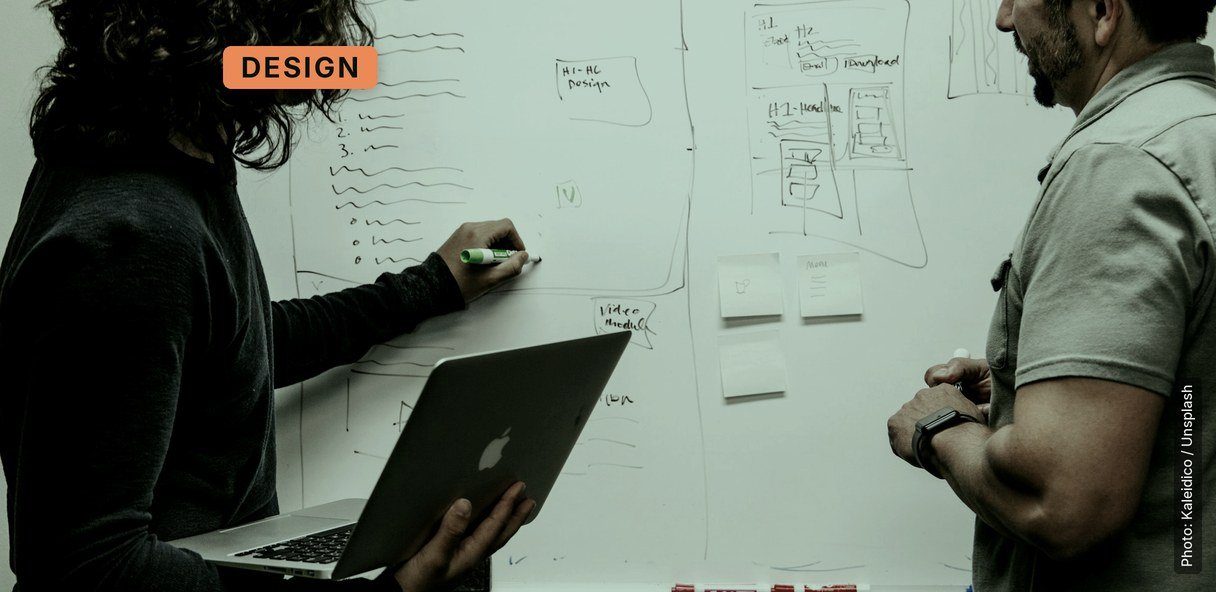
t feels right to you but how about other people? Write and rewrite what will be on your home page. Sketch a design for few of the pages then even if you are happy with the sketches redesign them. Show all of these ideas to friends or colleagues.
Get feedback before your site is up and running, so often other people will see something you can’t, or suggest something new you love. Value all opinions you receive even if you don’t agree with them, your site will have many different visitors with many different perspectives.
8. Website Planning – Keep it Simple
 Now you have lots of ideas, goals, and targets running around it’s time to start separating out the most important ideas. What is the most important idea, product or piece of information on your site?
You know this is the central concept do visitors to the site? Look at ways to communicate this one idea quickly. Show someone the site without text and see if they can guess what the site is about.
9. Website Planning – Space the Final Frontier
 After you have an idea of how some key pages might look, don’t be afraid of leaving space. The most annoying web sites are the ones where a torrent of information comes rushing at you and 3 different pop up ads start jumping in your face.
Remember the goal is to present your information clearly. A simple user friendly design is the ideal, an innovative design can be great but if it is too complicated people will just tune out and go back to what they know.
10. Website Planning – The only permanent thing is change

The internet is an ever changing beast, so it always pays to keep up with new methods, new ideas and new styles. It’s common for a designer to think the job’s done, cheerfully slap their hands together after designing a site and walk away.
Even if you’re only designing a site and not maintaining the site, it is good to think of areas the site which could be expanded. How new technology could help the site? Every week there are new articles, new programs or even new concepts being presented on the internet, can any of these suddenly project your site to a new level? The future is the biggest undiscovered country.